A standard withdrawal on nsn999 is completed in just 44 minutes. But before your first withdrawal you must complete KYC verification — once that's done, every later request is processed automatically and fast.
The 5 withdrawal steps
After you log in to your nsn999 account, follow the steps below. The whole process shouldn't take more than five minutes — provided your KYC is already complete.
-
1
Log in to your account
Sign in with your mobile number and password. If two-step verification is on, enter the OTP. Having trouble logging in? See the login guide.
-
2
Open the Withdraw menu
Tap the profile icon and Withdraw or Withdraw option. A list of supported payment methods will appear — bKash, Nagad, Rocket, Upay and bank transfer.
-
3
Pick payment method and amount
Choosing the same method you deposited with is fastest to process. Minimum amount is ৳1,500. Double-check the amount before moving to the next step.
-
4
Check the recipient number and name
Make sure your bKash or Nagad number matches the name registered on your account. A name mismatch makes rejection much more likely.
-
5
Confirm and save the TrxID
Tap Confirm and your request starts processing. A TrxID appears on screen — take a screenshot of it. If something goes wrong later, that number makes it much easier for support to sort out.
Your first withdrawal can take up to 6 hours. Once KYC is approved, every withdrawal after that usually completes within 44 minutes.
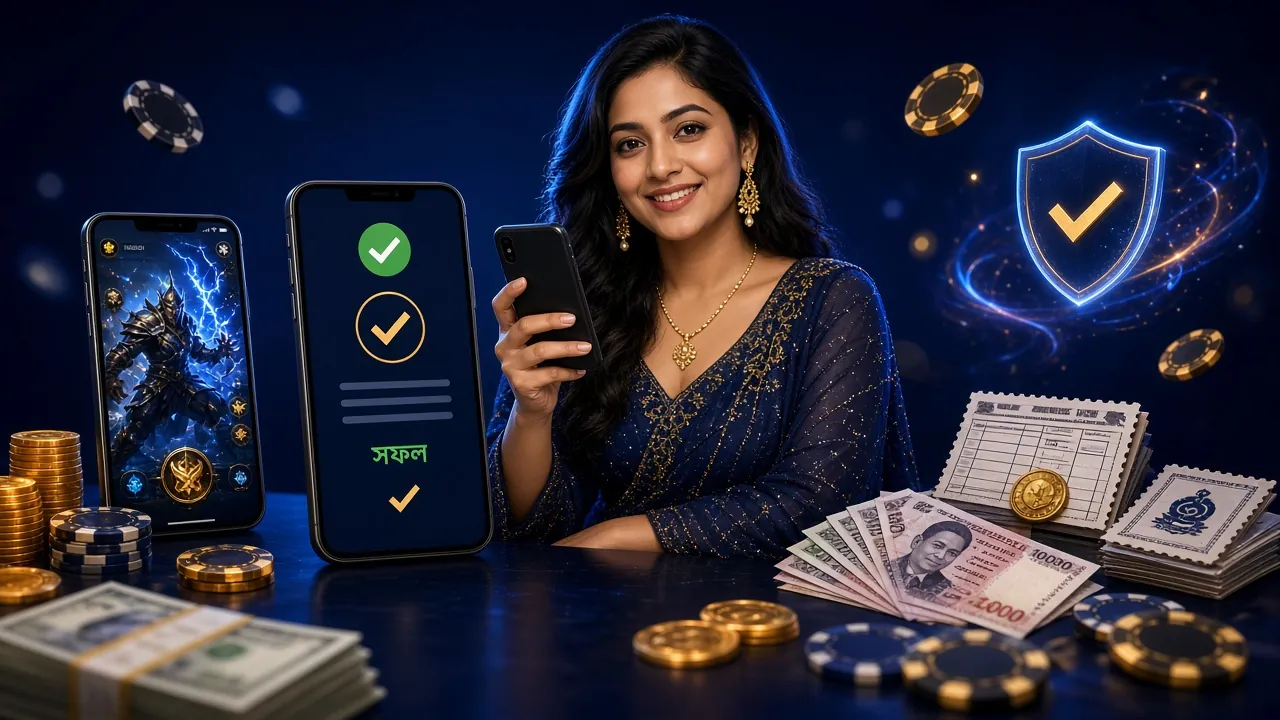
Why nsn999 needs KYC before your first withdrawal
International gaming standards require every platform to make sure funds reach the rightful owner. At nsn999 you only verify your identity once, before your first withdrawal — after that you never have to do it again. The whole process is digital and your information is protected with SSL encryption.
You only need to submit any one of the following documents:
4 Steps to Upload Your Documents
-
1
Open Profile → Verification
Log in to your account and go to Settings or My Account, then open Identity Verification or KYC. If the status shows Pending, start your upload.
-
2
Take photos of the front and back of the document
Take clear photos of both sides of your NID or licence. Blurry, partly cropped or glare-hit images may be rejected.
-
3
Complete a selfie check if asked
In some cases you may be asked for a selfie holding the document. Take it in clear natural light with your full face visible. No shadows and no filters.
-
4
Wait for the review
The nsn999 team usually completes KYC review within 12 hours. You'll be informed of the result in an app notification. Once approved, you can submit a withdrawal request straight away.
What to keep in mind when taking photos
- Make sure all four corners of the document are visible
- Turn the flash off — glare makes the text hard to read
- Upload in JPEG or PNG format, file size up to 5 MB
- The name on the document must match the name on your account exactly
- Expired documents are not accepted — use one that is still valid
Your personal information is completely safe — nsn999 uses SSL encryption and never shares documents with third parties. Your first withdrawal can take up to 6 hours; once KYC is approved, later withdrawals usually clear in 44 minutes.
How much you can withdraw daily at your level — limits at a glance
At nsn999 your withdrawal limit depends on your VIP level. The minimum deposit is ৳200 and the minimum withdrawal is ৳1,500 at every level. The table below shows each level's daily maximum, daily cashback rate and birthday bonus in one place.
| VIP Level | Monthly Turnover (minimum) | Daily Max Withdrawal | Cashback Rate | Birthday Bonus | Personal Manager |
|---|---|---|---|---|---|
| Member | — | ৳1,70,000 | 1.1% | — | |
| Star | ৳60,000 | ৳3,10,000 | 1.35% | ৳700 | |
| Elite | ৳3,00,000 | ৳5,80,000 | 1.6% | ৳1,800 | |
| Master | ৳15,00,000 | ৳11,00,000 | 1.85% | ৳4,800 | |
| Legend | ৳73,00,000 | ৳20,00,000 | 2.1% | ৳13,000 | |
| Crown | ৳3,60,00,000 | ৳37,00,000 | 2.35% | ৳33,000 |
A real-world example — at Star level:
Say you wagered a total of ৳৬০,০০০ this month. At the Star tier the cashback rate is 1.35%, so you get back ৳৮১০ — credited straight to your wallet, no request needed. On the same day you can withdraw up to ৳৩,১০,০০০ in one go or across several requests. To receive the ৳৭০০ birthday bonus, message live chat in advance.
Move up from Member to Star and your daily limit nearly doubles while cashback rises from 1.1% to 1.35% — play regularly and the turnover clears comfortably.
The 6 rules that keep your money safe during a transaction
Mobile banking scams are rising steadily in Bangladesh. Fraudsters often call or text posing as a gaming platform's support team and try to get your PIN, OTP or bank details. Follow these rules before and after withdrawing from nsn999 — they directly protect your money.
Remember: a genuine nsn999 representative will never ask you for your PIN, OTP or password. Any such request is a scam, every time.
-
Never share your PIN or OTP Even if someone claims to be "nsn999 customer care", do not give them your PIN or OTP. The real support team never asks for this information — handle any login work yourself through live chat.
-
Send money only to the number or address shown in the app When withdrawing, send to the number or account the platform displays. Avoid anyone asking you to send money to a personal bKash number — that is a well-known scam tactic.
-
Keep the TrxID and a screenshot of every transaction Once a withdrawal is confirmed, the screen shows a unique TrxID. Take a screenshot of it. If the money is delayed or the request is rejected, this number gets you a quick fix in live chat.
-
Support works through live chat only — never by phone or SMS nsn999 never calls or texts you with transaction instructions. If you get a suspicious call or message, open live chat inside the app and report what happened.
-
Don't transact on public Wi-Fi It's safer not to log in or withdraw on public networks at restaurants, bus stations or shopping malls. These networks raise the risk of data interception. Use mobile data or your own home Wi-Fi.
-
Report suspicious calls or messages right away Report scam attempts in live chat and our team can block the source and add extra protection to your account. Your report keeps other players safe too.
Final warning: a genuine nsn999 representative will never ask for your PIN, OTP, password or personal bank details. Any contact like that is 100% a scam — hang up and report it in live chat immediately.
What to do when your nsn999 withdrawal is stuck
Most issues you can sort out yourself — you just need to know which cause is behind what you're seeing. The table below covers six common situations, their likely causes and the exact fix.
If you can't resolve it yourself, contact live chat with the TrxID, account number and a screenshot of the problem — those three details let the support team help you fastest.
| Problem | Likely Cause | Fix |
|---|---|---|
| Money hasn't arrived after 44 minutes | Temporary delay on the mobile wallet or bank side; peak network hours (10pm–12am) | Send the TrxID in live chat; usually resolved within 1 hour |
| Withdrawal request was rejected | KYC incomplete or document photos unclear; review still in progress | Check your KYC status under Profile → Verification; if photos are unclear, upload clear ones again |
| Can't withdraw from your bonus balance | You haven't met the 10x wagering requirement on the bonus yet | Check Wagering Progress in your wallet; clear the rest by playing games — only then can you withdraw |
| Wrong mobile number or bank account entered | A slip-up while typing in a hurry | Message Live Chat with the TrxID right away; it may be possible to cancel before processing starts |
| Registered name doesn't match the payment account name | Someone else's bKash/Nagad account is being used | Only use a payment method registered in your own name; if your name needs updating for KYC, tell Support |
| First withdrawal is taking over 6 hours | KYC review is still in progress or extra documents were requested | Check your KYC status in Profile; if it shows Pending, wait up to 12 hours — if it still hasn't cleared, contact Live Chat |
How to find your TrxID:
The moment your withdrawal is Confirmed, a unique reference number shows on screen and in the Transaction History of your bKash/Nagad app — it's usually 10 to 15 digits. Give this number in Live Chat and the support team can pull up your transaction directly and work out what went wrong.
Have these ready when you open the chat: TrxID + a screenshot of the issue + the mobile number registered to your account.
Common questions about withdrawals
Need help?
If you hit any problem with a withdrawal, contact 24/7 live chat support. Keep the TrxID and a screenshot handy and it gets sorted faster.
Start Live ChatSupport is only on live chat. Anyone who contacts you by phone or SMS is a scammer.
Open an account and get your withdrawal route ready
Register at nsn999, complete KYC once, then withdraw any time starting from ৳১,৫০০ — straight to your bKash or Nagad in under 44 minutes.
Want to withdraw from the App? See the download guide18+ · Play Responsibly · nsn999